Adding your own custom emojis

Emojis are a core feature of social. They can be used in chat, books, signs, anvils, and more. Server owners can easily add custom emojis by configuring the emojis module in the plugin settings.
Example configuration
name: The unique identifier for the emoji.aliases: Optional alternative names for the emoji.unicodeCharacter: The Unicode character(s) representing the emoji.
This configuration adds the crossed swords emoji (⚔️), which can be used in messages with :crossed_swords:.
Getting a unicode character
We recommend using Emojipedia, which contains a complete, frequently updated list of emojis along with their technical details.
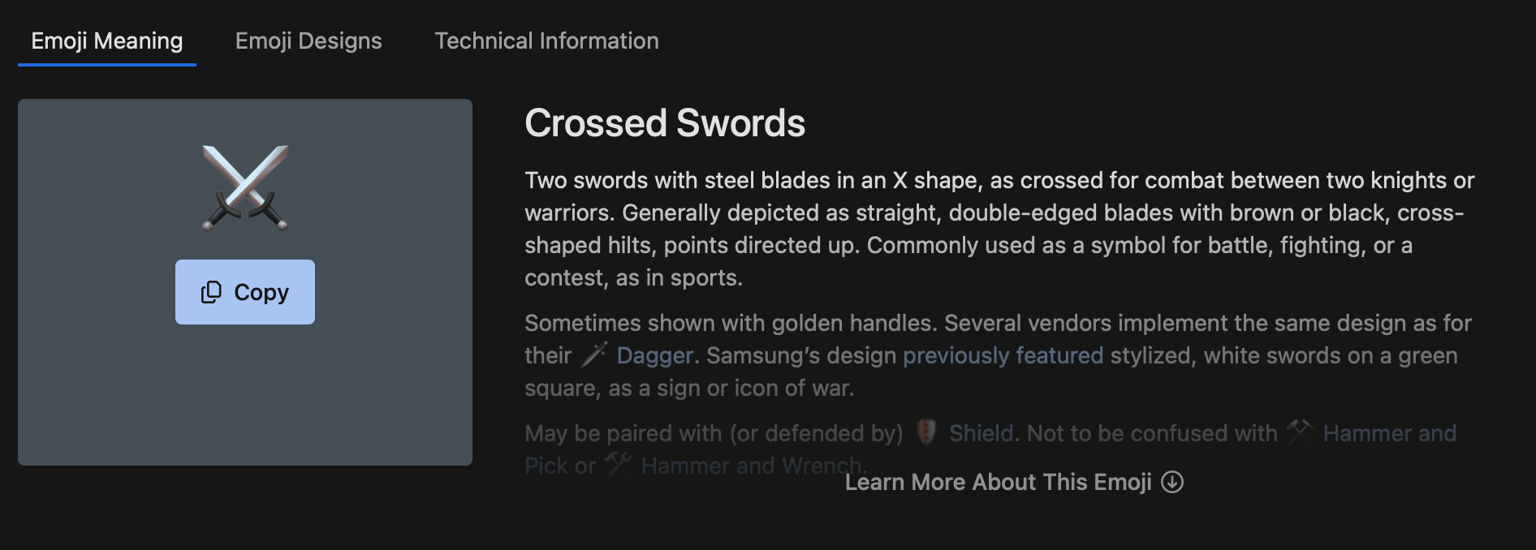
For example, see the crossed swords entry:
The technical information tab contains the information needed:
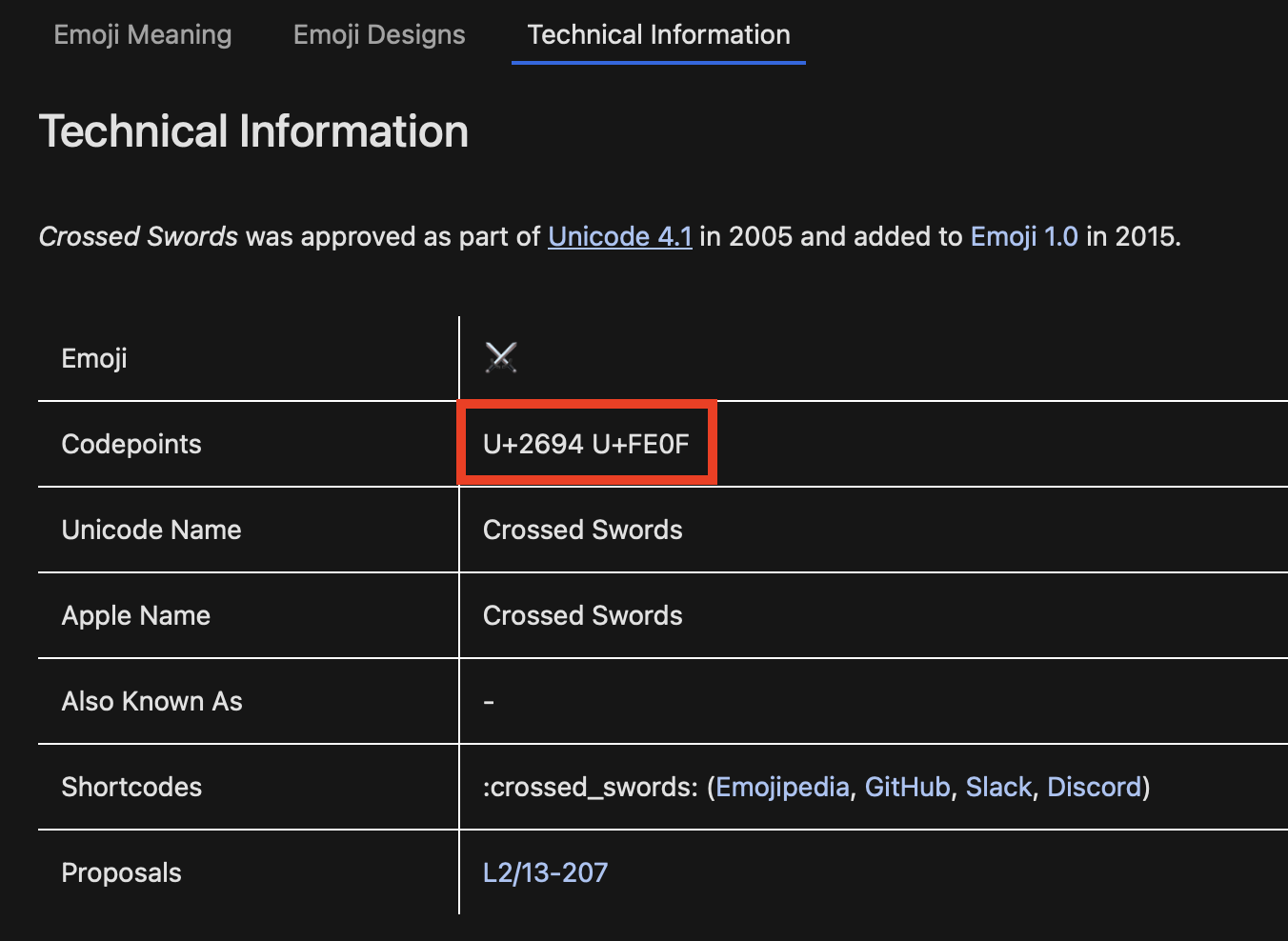
For the crossed swords emoji, the Unicode character is \u2694\uFE0F.
Using raw format emojis
Raw emojis do not display descriptions or additional formatting, making them ideal for server messages where minimal styling is desired.
To use a raw emoji, replace :emoji_name: with :raw_emoji_name::
Note
Raw emojis cannot be directly used by players; they are intended for internal or server-side messages.